
How Claude Opus 4.5 Gave Me a Perfect Tmux Setup
I started with Zellij. The learning curve was low, commands were intuitive, and I adopted it quickly. Since I've abandoned IDEs for the terminal, having a solid multiplexer was essential.
Why I Left Zellij
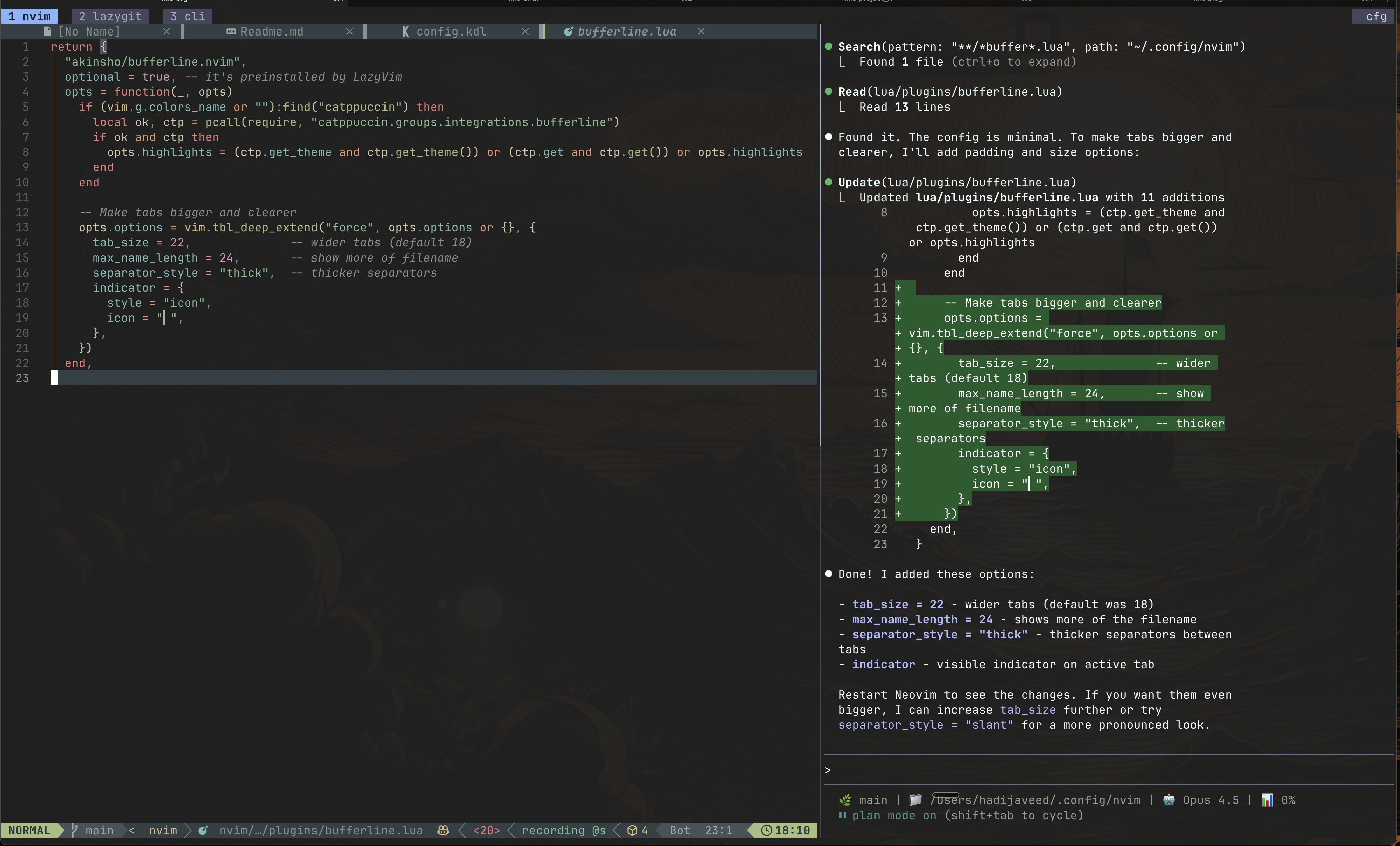
No complaints about Zellij - the team is excellent and they've built something great. But it felt overdone for my taste. Too much padding, heavy borders, chunky tabs. I could have restyled it through their KDL config files, but I never explored that path.
Tmux out of the box is minimal. Almost nothing going on. That's exactly what I wanted.
The Claude Opus 4.5 Experience
I fed Claude my Zellij config and asked it to replicate the same keybinding experience in Tmux. I was already comfortable with Zellij's modal approach:
Ctrl+P→ Pane mode (split, navigate, close)Ctrl+T→ Tab mode (new, rename, switch)Ctrl+Y→ Resize modeCtrl+M→ Move mode
5-10 messages. That's it. Claude understood what I wanted and gave me a config that matched my muscle memory while keeping Tmux's minimal aesthetic.
The Config
Here's what Claude designed (full config):
Theme (Catppuccin Mocha, Transparent)
# Minimal transparent status bar
set -g status-bg default
set -g status-style "bg=default"
set -g status-left ""
set -g status-right "#[fg=#45475a,bg=default]#[fg=#cdd6f4,bg=#45475a]  #S #[fg=#45475a,bg=default]"

# Window styling
set -g window-status-format "#[fg=#45475a,bg=default]#[fg=#a6adc8,bg=#45475a] #I #W #[fg=#45475a,bg=default]"
set -g window-status-current-format "#[fg=#89b4fa,bg=default]#[fg=#1e1e2e,bg=#89b4fa,bold] #I #W #[fg=#89b4fa,bg=default]"
Modal Keybindings
# Root triggers
bind -n C-p switch-client -T pane
bind -n C-t switch-client -T tab
bind -n C-y switch-client -T resize
bind -n C-m switch-client -T move

# Pane mode (Ctrl+P, then...)
bind -T pane h select-pane -L
bind -T pane j select-pane -D
bind -T pane k select-pane -U
bind -T pane l select-pane -R
bind -T pane n split-window -h
bind -T pane d split-window -v
bind -T pane x kill-pane
bind -T pane f resize-pane -Z

# Tab mode (Ctrl+T, then...)
bind -T tab h previous-window
bind -T tab l next-window
bind -T tab n new-window
bind -T tab x kill-window
bind -T tab r command-prompt -I "#W" "rename-window '%%'"
Session Restore
set -g @plugin 'tmux-plugins/tmux-resurrect'
set -g @plugin 'tmux-plugins/tmux-continuum'
set -g @continuum-restore 'on'
set -g @resurrect-processes 'lazygit nvim "~claude" "~codex" cursor-agent'
Shell Aliases
I added these to my ~/.zshrc for quick session management:
alias tm='tmux'
alias tms='tmux new-session -s'
alias tma='tmux attach -t'
alias tmd='tmux kill-session -t'
# tm ls to list sessions
The Result
Couldn't be happier. The setup is clean, the keybindings match what my fingers already knew, and session restore means I never lose my workspace.
This is exactly what AI should be good at: taking your preferences and translating them into configuration you'd never have the patience to write yourself.
Subscribe
Honest takes on AI, startups, and digital health—delivered to your inbox.
Your privacy is paramount. Expect content once or twice a month. Unsubscribe anytime if you don't like it.
Get Email Updates